Billing in depth: estimates, deposits and recurring invoices
You'll take a job from estimate to invoice, hold a customer's deposit as unearned revenue until the work is done, and bill regular customers on a schedule.
- Principles:
- Revenue recognition
- Accrual basis
The billing path
Most jobs follow the same path: you quote a price, the customer agrees, maybe pays something up front, you do the work, you invoice, and they pay. Each step has its own effect on the books, and some steps have none at all.
| Step | Does it post an entry? | Why |
|---|---|---|
| Estimate or quote | No | Nothing has been earned or paid yet |
| Deposit or retainer received | Yes: cash and a liability | You owe the work or the money back |
| Work done and invoiced | Yes: receivable and income | The income is earned |
| Deposit applied to the invoice | Yes: liability down, receivable down | The deposit pays part of the bill |
| Customer pays the rest | Yes: cash up, receivable down | Income was already counted |
Estimates are promises, not sales
An estimate (or quote, or proposal) tells the customer what the work will cost. It's useful paperwork, but it isn't revenue and it doesn't touch the ledger. If the customer never says yes, there's nothing to undo.
Leah Books doesn't have a separate estimates screen. Keep the quote in the customer's files, or send it for e-signature from E-sign Documents, then create the invoice when the work is done. Some businesses save the quote as a draft invoice: a draft posts nothing until you send it.
Deposits and retainers are unearned revenue
When The Patel Residence pays $1,500 before a planting job starts, Evergreen has the cash but hasn't earned it. Until the work is done, the money is a liability, often called unearned revenue or customer deposits. If the job is canceled, it goes back.
A retainer works the same way: money paid ahead for work you'll bill against later.
| Account | Debit (Dr) | Credit (Cr) |
|---|---|---|
| Business Checking | $1,500.00 | |
| Customer Credits (deposits) | $1,500.00 | |
| Total Balanced | $1,500.00 | $1,500.00 |
Are you Increasing or Decreasing?
| Debit | Credit |
|---|---|
| Asset | Liability |
| Draw | Equity |
| Expense | Revenue |
+ To increase an account, put it on its normal side.
Business Checking goes up: press + and find Asset on the debit side.
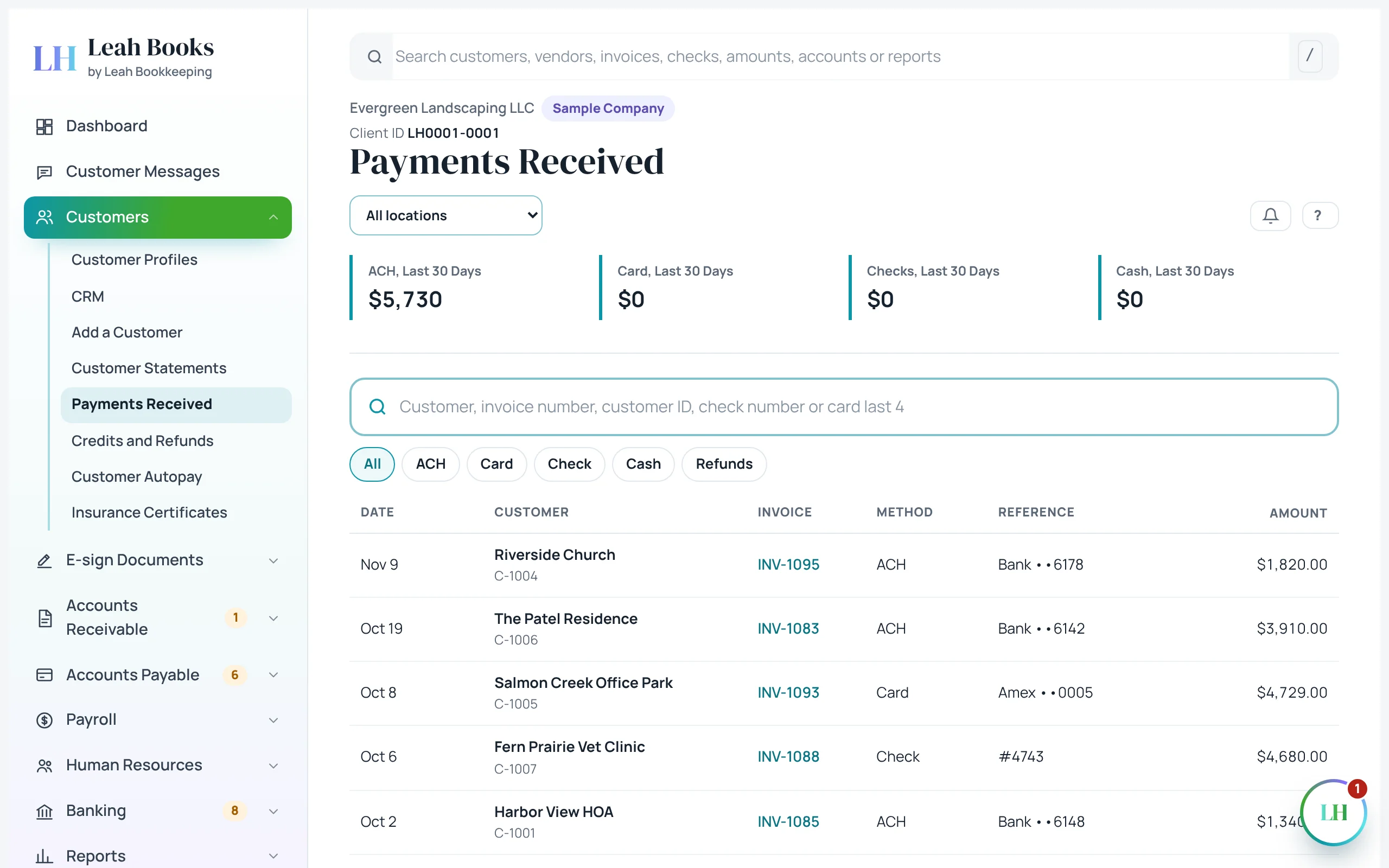 (opens the full-size screenshot)
Applying the deposit when you invoice
When the planting is finished, Evergreen invoices $4,200. The full $4,200 is income now, because now it's earned. Applying the deposit moves the $1,500 out of the liability and lowers what the customer still owes to $2,700.
| Account | Debit (Dr) | Credit (Cr) |
|---|---|---|
| Accounts Receivable | $2,700.00 | |
| Customer Credits (deposits) | $1,500.00 | |
| Sales | $4,200.00 | |
| Total Balanced | $4,200.00 | $4,200.00 |
Are you Increasing or Decreasing?
| Debit | Credit |
|---|---|
| Liability | Asset |
| Equity | Draw |
| Revenue | Expense |
− To decrease an account, put it on the opposite side.
Customer Credits (deposits) goes down: press − and find Liability on the debit side.
Recurring invoices
Maintenance customers like Columbia Dental Group get the same bill every month. A recurring invoice sends it on a schedule, monthly, weekly or yearly, with the same lines and terms, until an end date or until you stop it.
Each invoice it sends is an ordinary invoice: it posts its income on its own date and shows in All Invoices and the AR aging like any other.
Terms and due dates
Terms decide when an invoice is due: Due on receipt, Net 15, Net 30. Set them on the customer once, and every new invoice copies them. Clear terms and a due date printed on the invoice are the first step in getting paid on time.
Try it in Leah Books
- Go to Accounts Receivable > Recurring invoices and click New recurring invoice. Pick a customer, add a monthly line and look at the schedule choices.
- Go to Customers > Credits and refunds and click Record a deposit. Enter a $500 deposit from a customer and record it.
- Open Reports > Balance sheet and find the deposit under Customer Credits, a liability.
- Create an invoice to the same customer and apply the deposit. Check that the balance due went down by $500.
Key terms
- Estimate
- A quote for future work. It records nothing in the books.
- Customer deposit
- Money received before the work is done. A liability until it's applied.
- Unearned revenue
- Payment received for goods or services not yet delivered.
- Retainer
- Money paid ahead for work that will be billed against it.
- Recurring invoice
- An invoice sent automatically on a schedule.
Check what you learned
Pick an answer to see if it's right and why. Nothing is saved or sent.